Alternative To Arduino Plotter
The standard Arduino plotter doesn't have very many features.
GazerNode can be used to replace the standard Arduino IDE plotter.
This provides the following benefits:
How to do this
1. Install GazerNode
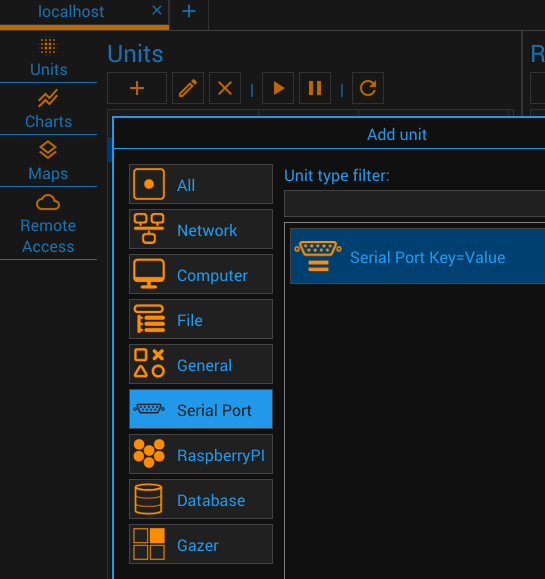
2. Add Serial Port Unit to the configuration
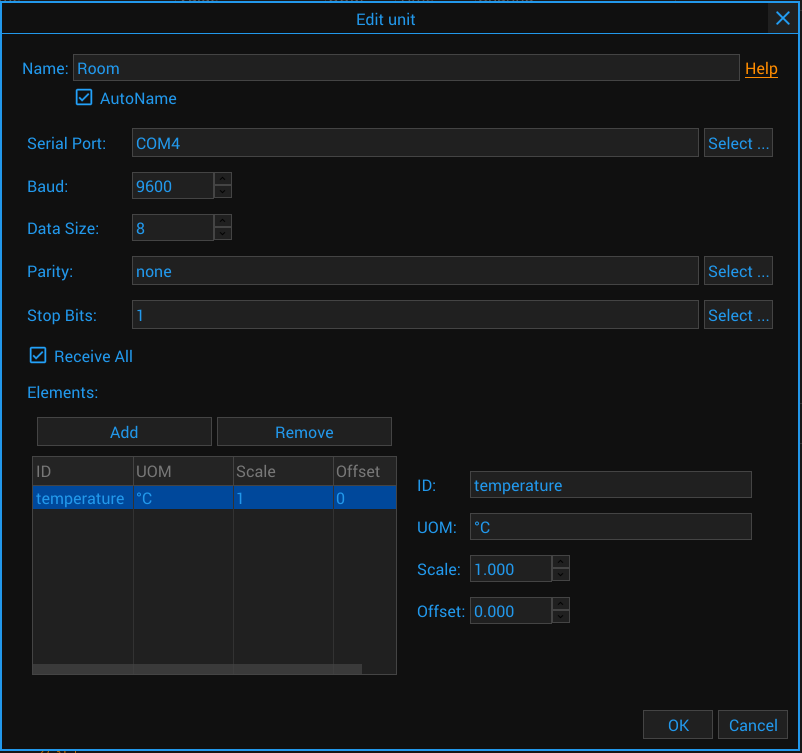
3. Configure Item - specify unit of measure and scale options, if needed
4. Upload the sketch to your Arduino
Test Arduino sketch - ADC
void setup() {
  Serial.begin(9600);
}

void loop() {
  // Read metrics from ADC
  int value1 = analogRead(A0);
  int value2 = analogRead(A1);

  // Send first metric
  Serial.print("a1=");
  Serial.print(value1);
  Serial.println();

  // Send second metric
  Serial.print("a2=");
  Serial.print(value2);
  Serial.println();

  delay(500); // Wait
}
DS18B20 Arduino sketch
#include <OneWire.h>
#include <DallasTemperature.h>

#define ONE_WIRE_BUS 2

OneWire oneWire(ONE_WIRE_BUS);
DallasTemperature sensors(&oneWire);

void setup(void)
{
 Serial.begin(9600);
 sensors.begin();
}

void loop(void)
{
  sensors.requestTemperatures();
  double value1 = sensors.getTempCByIndex(0);
  if (value1 > -20 && value1 < 100) {
    Serial.print("temperature=");
    Serial.print(value1);
    Serial.println();
  }
  delay(500);
}
5. Watch the current values and charts
Data Items

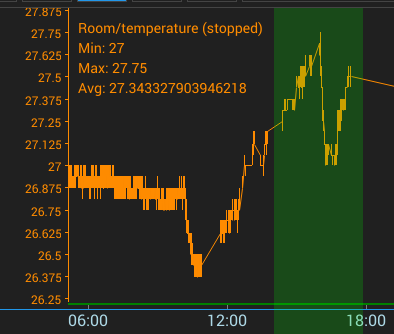
Chart
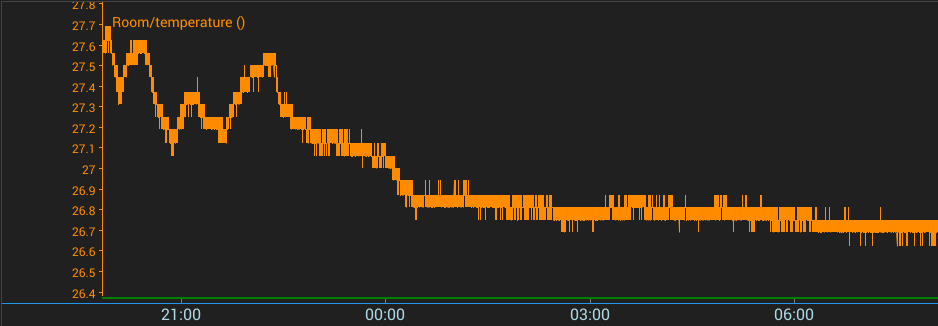
Chart - Statistics
6. Export data to CSV
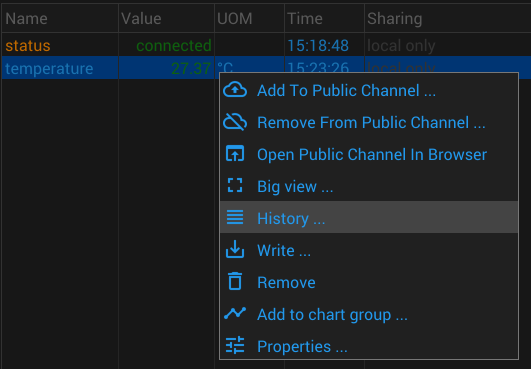
Show Item's History
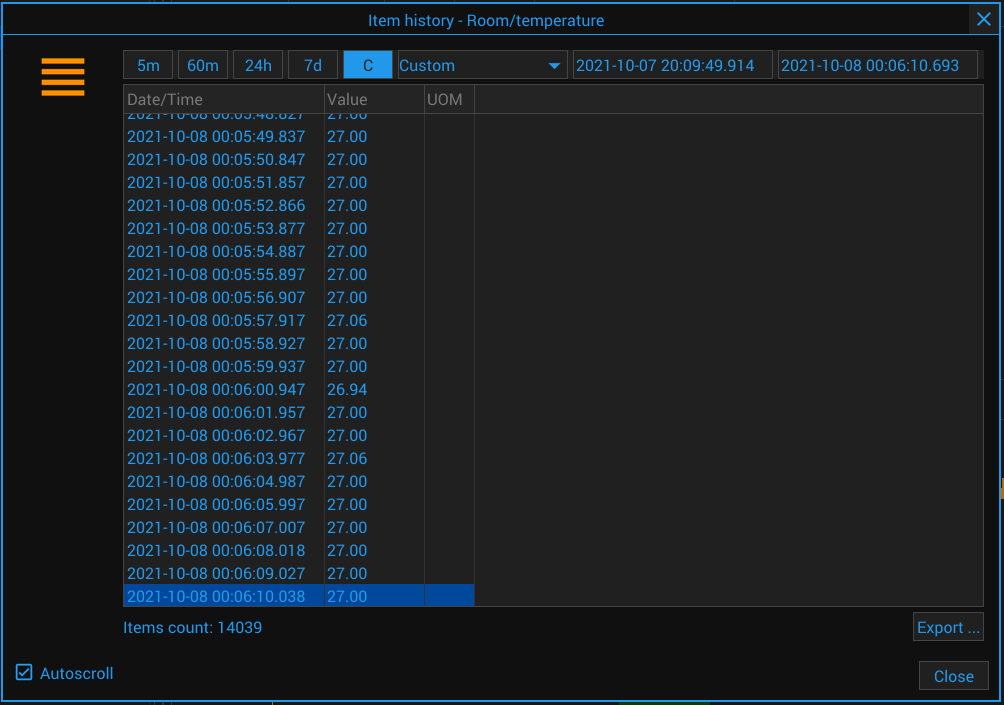
Item's History
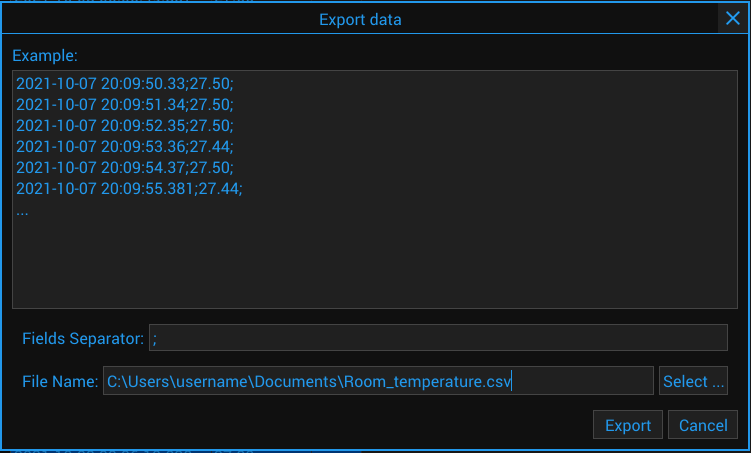
Export Settings